
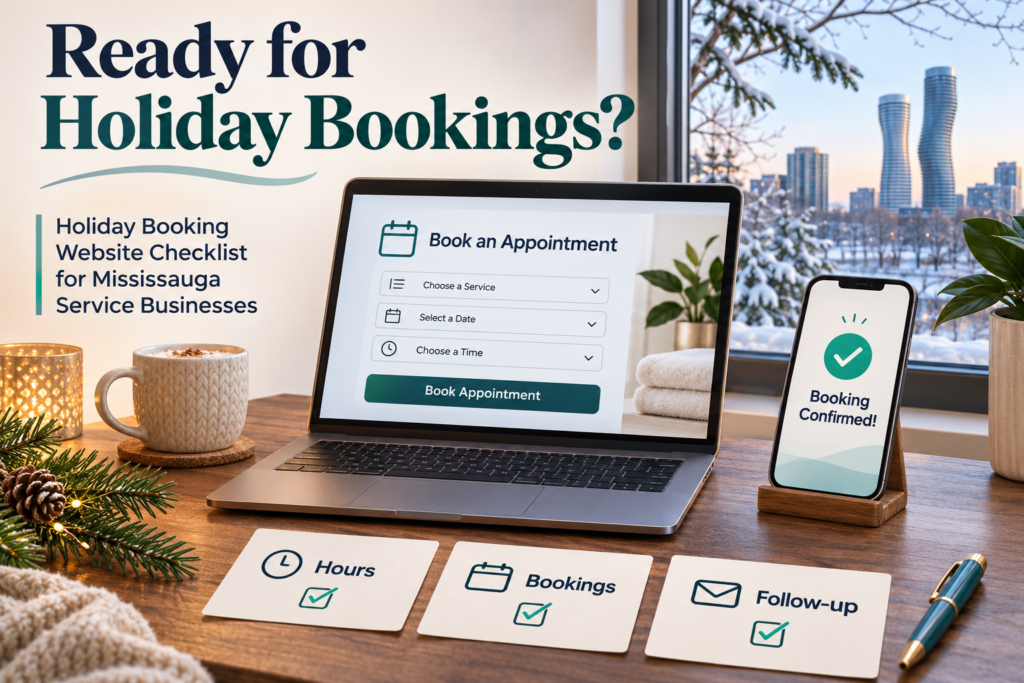
A holiday booking website checklist helps your business answer a simple question: can a customer tell when you are available and take the right next step? For Mississauga clinics, salons, consultants and other appointment-based businesses, late November is a useful time to check December closures and January availability—before customers have to call for information your website should provide.
You do not need a seasonal redesign to make these improvements. Start with the pages customers already use, the booking calendar and the person who receives inquiries. This guide focuses on practical changes, not promises of more traffic or guaranteed rankings.
In this guide
1. Start your holiday booking website checklist with accurate hours
Check your website, booking system and Google Business Profile against the same approved schedule. Include dates, not just “closed over the holidays.” Explain whether online requests remain open while your team is away and when responses will resume. Only promise a response time your team can meet.
An appointment calendar should not offer dates when nobody can deliver the service. If different services have different schedules, put the relevant exception beside the booking option rather than hiding everything in a footer notice.
Google provides a special-hours workflow for Business Profiles. Updating those hours does not automatically update your website or third-party calendar; check each destination separately.
2. Make “request” and “confirmed booking” mean different things
A form submission may start a conversation without reserving an appointment. If your team needs to review the request, label the button “Request an appointment” and explain what happens next. Use “Book” only when the actual flow makes its confirmation status clear.
For example: “Send your preferred date. Our team will confirm availability by email.” That is more helpful than a generic “Success!” message that leaves customers wondering whether their visit is scheduled.
Review cancellation, deposit and rescheduling information where relevant. Keep it near the decision, and do not introduce terms that the business has not approved.
3. Test the mobile journey beyond the first button
Open a priority service page on a phone. Choose the service, review availability and follow the journey to its confirmation step using an agreed test method. Avoid placing a real appointment or payment just to check the interface.
Watch for calendars that overflow the screen, text too small to read, missing form labels and error messages that disappear offscreen. A button that opens a booking tool is not proof that the booking can be completed.
If your current tools cannot support the journey your customers need, our booking website services are a starting point for discussing the scope.
4. Put seasonal answers on useful service pages
Do not create a thin “holiday” page for every nearby city. Update the relevant service page with genuine information: the service offered, who it suits, the area served, availability and the next step. Link to that page from a seasonal notice when customers need more detail.
A local consultant might explain when January discovery calls are available. A salon might clarify which services can be reserved online and which need a consultation. These are illustrative examples, not claims about a particular business.
The same clarity matters as search evolves. Google’s guidance on AI features and websites says established SEO practices remain relevant; there are no additional requirements or special optimizations required for AI Overviews or AI Mode. Clear, accessible content is useful, but it does not guarantee selection in an AI answer.
For a broader review of your local customer journey, see our Mississauga website design services.
5. Confirm receipt, ownership and holiday cover
Name the person who receives inquiries and the backup when that person is away. With permission, send a clearly labelled test and verify both the customer confirmation and the actual receiving destination. Check spam filtering and any CRM or calendar handoff separately.
Do not put customer names, email addresses or message contents into analytics. A visible confirmation and a delivered inquiry are different checks; both matter.
6. Use a small acceptance checklist
| Check | Evidence to keep | Fix before promoting |
|---|---|---|
| Holiday hours | Approved dates match website, profile and calendar | Conflicting hours |
| Mobile booking | Agreed test reaches the intended outcome | Broken or blocked steps |
| Confirmation | Customer knows whether the appointment is confirmed | Ambiguous success message |
| Inquiry delivery | Named recipient verifies the labelled test | Missing notifications |
| Tracking | A validated success event is separate from a click | Button clicks reported as bookings |
In Search Console, review the relevant service page’s impressions, clicks and queries before and after the changes. In analytics, keep campaign visits separate from completed actions. A form start is not a lead, and more visits alone do not prove the changes produced more business.
7. Prepare January availability now
If January appointments are open, make that visible. If they are not, explain the next available action without inventing urgency. Schedule the removal of seasonal notices and assign an owner so December information does not remain prominent in February.
Start with targeted improvements. Our website redesign planning guide helps distinguish a limited fix from work that genuinely needs a rebuild.
Frequently asked questions
Will holiday website updates improve local SEO?
Accurate, useful information supports a better customer experience, but seasonal updates alone do not guarantee higher rankings. Monitor relevant service-page queries and completed inquiries rather than treating a publishing date as a ranking strategy.
Do I need a new website to improve online bookings?
Not necessarily. Correcting availability, clarifying confirmation messages or repairing a mobile form may solve the immediate problem. A larger project makes sense when the existing structure or integration cannot support the required customer task.
When should I run a holiday booking website checklist?
Run it before promoting seasonal availability, after important schedule changes and again when normal hours resume. Use the same approved schedule across your website and booking tools.
Make the next step easier for your customers
If your Mississauga business has an awkward booking flow, contact iCloudMount with your website address, booking tool and the step customers struggle with. We can discuss whether focused website improvements or a wider booking integration fits the problem.